Campus compliance · 2026
Synthetic dataFall Protection Anchor Registry
A compliance dashboard that turns a scattered SharePoint archive into one searchable registry of anchor systems and inspections.
Go to the proof
- Crawl integrity mismatches
- 0
- Duplicate files removed
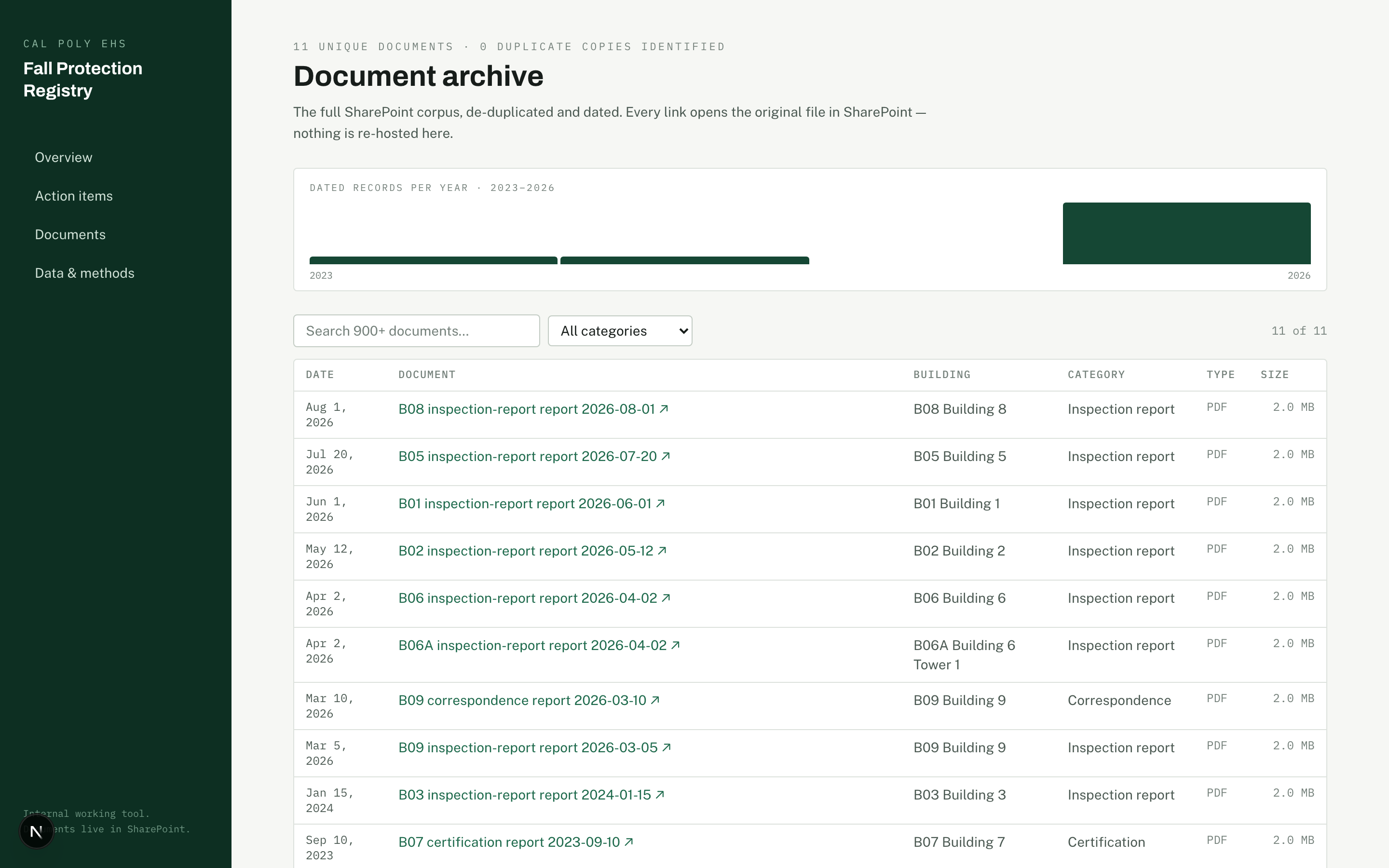
- Deduplicated
- Compliance claims
- Source-linked
Deployment
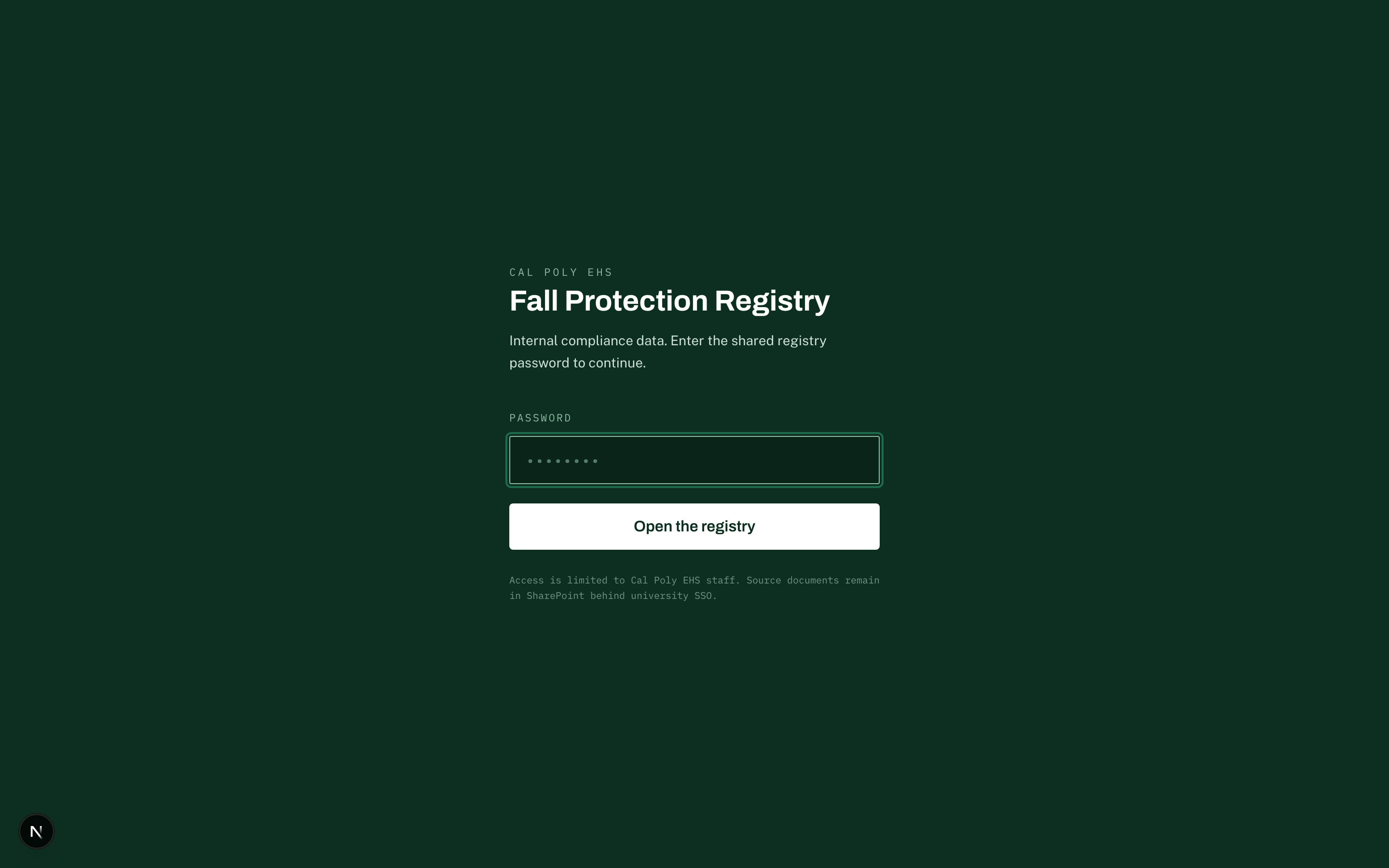
I shipped this as a password-gated compliance dashboard for Cal Poly EHS and Facilities on August 14, 2026. It runs live today. After a demo, the client program stakeholder set the top roadmap priority at a follow-up meeting on August 26, 2026. I am not naming that person here. All of the Cal Poly tools are set to extend to the Solano campus next, and to Maritime after that.
Problem
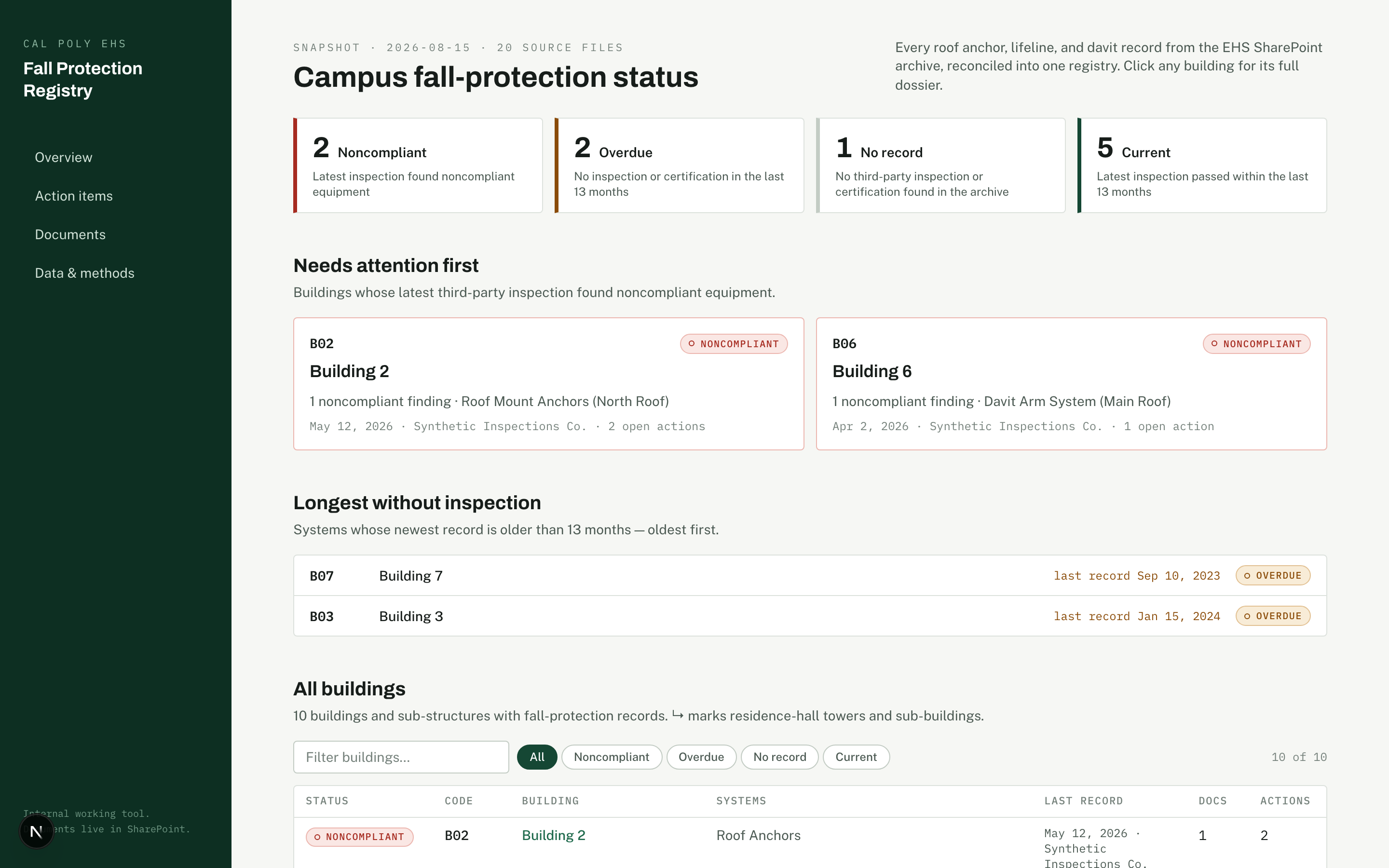
Cal Poly’s entire fall-protection compliance record lived across hundreds of SharePoint files. The files were scattered and duplicated. Neither EHS nor Facilities had a way to see compliance status at a glance. Nobody could answer a simple question fast: which anchor systems are compliant right now, and which ones need attention.
Build
I built the frontend in Next.js with the App Router, TypeScript, and Tailwind v4, deployed on Vercel over a bundled JSON snapshot data layer. First I crawled the entire SharePoint archive with zero integrity mismatches. Then I ran a resumable multi-agent extraction workflow: 16 worker groups, each checked by three reviewer lenses plus a judge pass, using my own graph engineering method for agent orchestration. That pipeline turned the unstructured archive into buildings, anchor systems, inspection events, and action items.
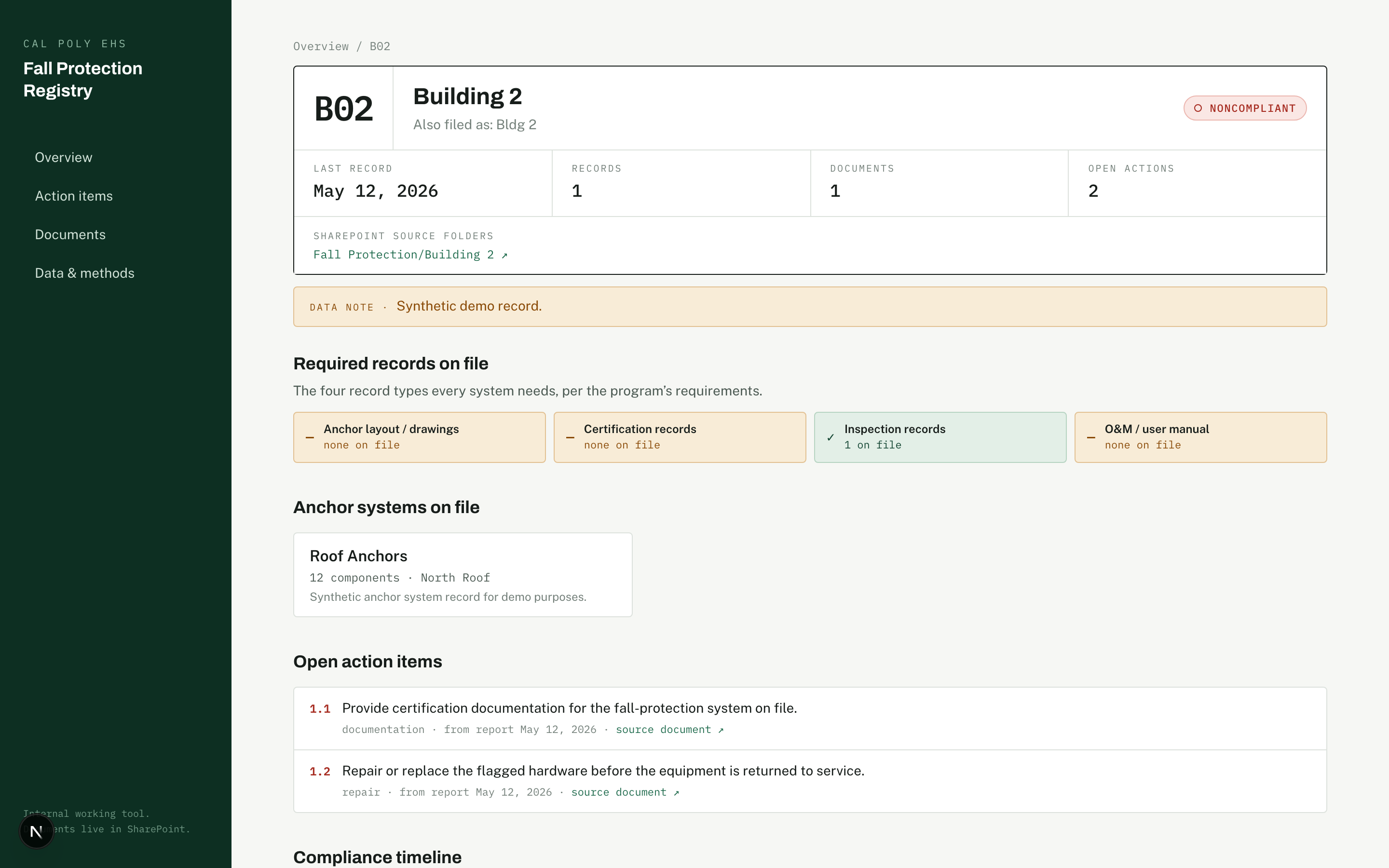
Every compliance claim in the app carries a sourceDocId that points at the exact document behind it. Where the source data does not say something, the app records null instead of guessing. Scanned checklists too garbled to read are marked unknown, never assumed compliant. Data honesty was a hard constraint, not a nice-to-have.
The code is client-owned and private; the walkthrough above is the public record.
Proof
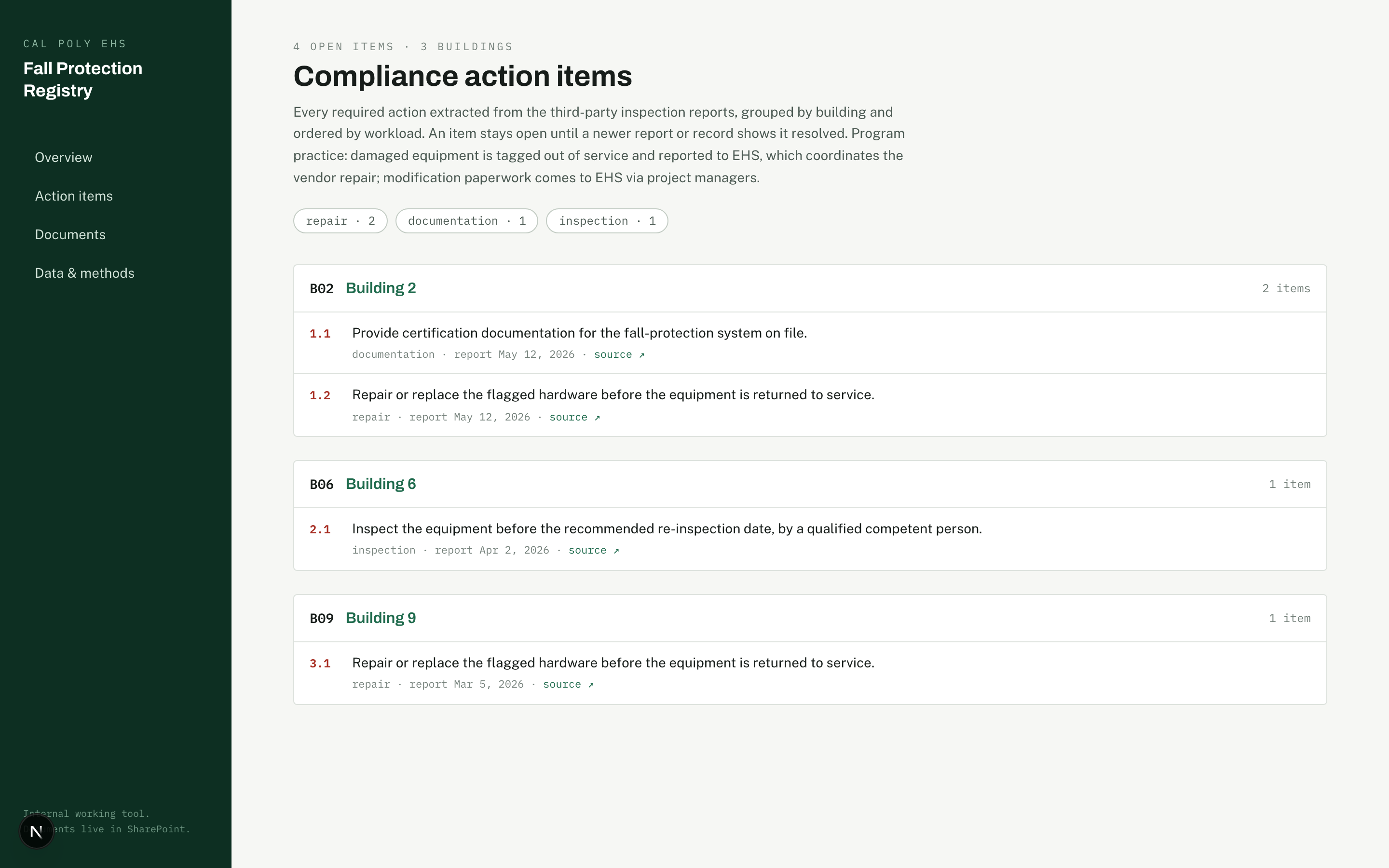
The crawl covered the full SharePoint archive with zero integrity mismatches, then deduplicated the duplicate copies down to one clean set of unique documents. The registry now tracks every campus building with fall-protection equipment and its anchor systems, with the open action items logged and visible. Every screenshot and recording here uses synthetic data, seeded fake buildings and reports, never the real registry.
What I would do next
The client stakeholder’s top priority after the demo was a roof-access and user-inspection logging form, so field staff can log an inspection from the roof instead of re-entering it later. I would build that next, along with a lighter-weight review queue for the open action items so EHS can close them down in batches instead of one at a time.